> ## Documentation Index
> Fetch the complete documentation index at: https://www.latentcast.com/docs/llms.txt
> Use this file to discover all available pages before exploring further.
# Building a profile
> The five-step wizard that ties a signed-off story to a recipient list and decides what may differ per person.
**Where:** Personalization ▸ Profiles, then **New Profile**
A personalization profile is one outreach effort, held in one place: which
story, which list, what may differ, and what the recipient's page looks like. Everything downstream
points at a profile, so this is the object worth getting right.
## The wizard
Choose the **signed-off story** and the **signed-off canvas**. Only signed-off ones appear here,
which is the usual reason something you just made is missing.
The panel on the right takes a **briefing**: paste or upload anything describing how this
outreach should feel. Tone, formality, whether the presenter introduces themself, how to address
people. It is distilled into style guidance for the personalized
parts.
Choose where the **background images** come from.
* **Generate with guidelines**: new images are generated, following the guidelines you give in
the chat on the right. Optionally, they take the light and colour of a collection of your own
photographs.
* **Generate a collection, then pick**: a set of candidates is generated from your guidelines,
and you keep the ones that may be used.
* **Bring your own images**: a collection of your own photography is used instead. You decide
whether a generated image may stand in when nothing in the collection fits.
Collections are shared by every profile in your organization.
Pick a [package](/docs/guides/personalization/what-you-can-personalize) and adjust the individual
switches. When you switch on something that uses pictures, such as the recipient's logo, this
step also holds the profile's **image library**: upload the pictures you want used for specific
recipients here, and name them in the canvas rows.
Configure the page each recipient lands on: the welcome line, the call to action, subtitles, and
which logo it carries. The call to action is an email or a link to a page of yours, labelled in
the story's language. The preview shows the first recipient's page as it will be built. See
[Viewing pages](/docs/guides/campaigns/viewing-pages#the-call-to-action).
A recap, a generated title and description, and what happens on save. Saving builds the
cast from your list: every colleague named as a presenter is invited.
 ## What style guidance does and does not do
Style guidance governs **how the personalized parts are phrased**: the register, the warmth, whether
to use a first name. It has no authority over facts. It cannot make the system claim something about
a recipient that is not in their row, and it cannot lengthen a scene beyond what the story allows.
That boundary is deliberate. Tone is yours to set; truth comes from the data.
## Signing off the profile
Signing off freezes the profile **together with its cast**, and sends the casting invitations, but
only when the cast is new or has changed. If nothing changed, nobody is emailed a second time.
Production requires a signed-off profile.
## Moving to a newer version of your story
If someone signs off a newer version of the base story, the next time you open the profile's wizard
it offers to move to it. **Keep current is the safe answer.** A profile stays on the version it was
built and proved against unless you decide otherwise, and the dialog spells out what would change
before you commit.
## Next
Who appears on screen, and what has to happen first.
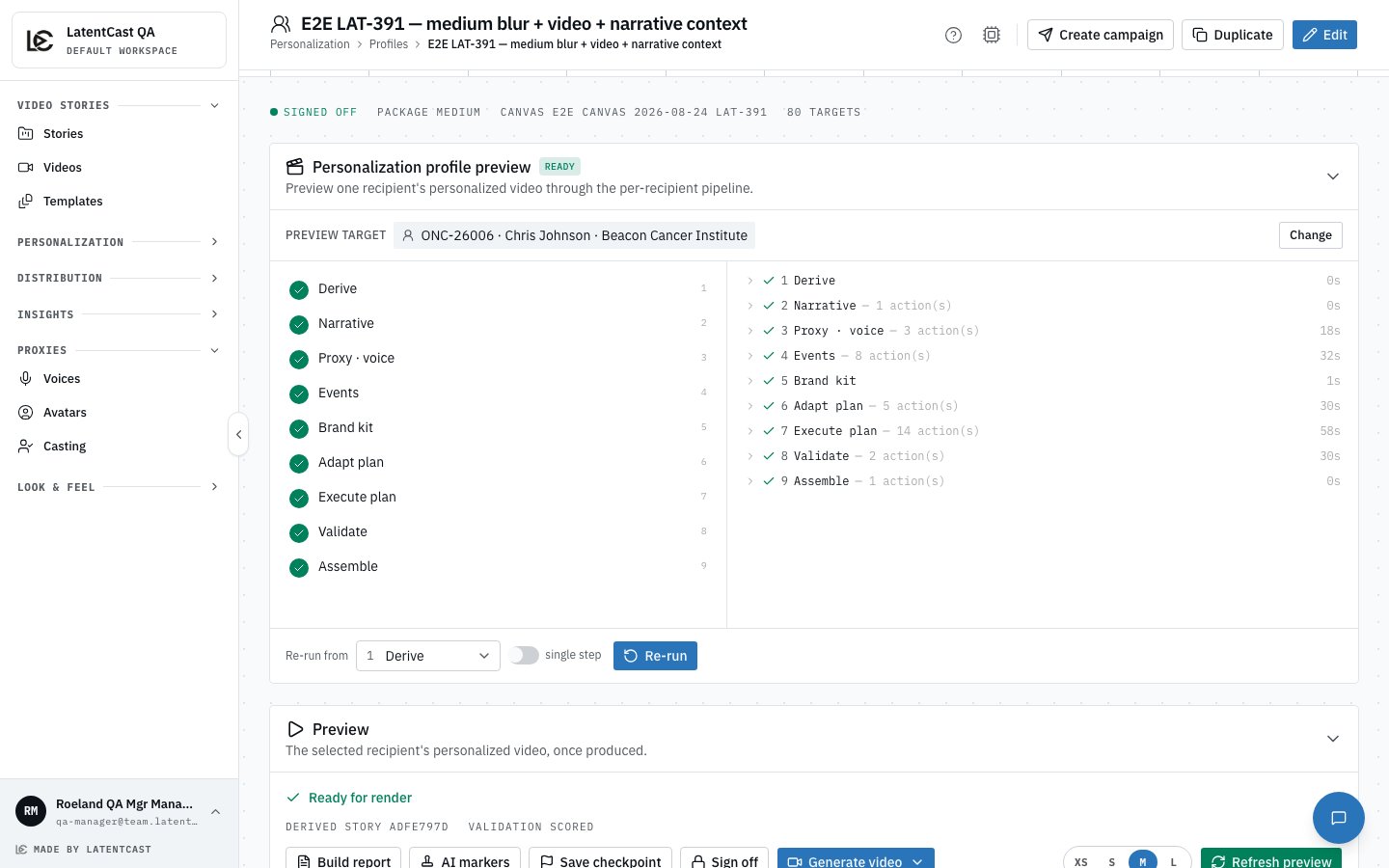
Produce one real person's video before you scale.
## What style guidance does and does not do
Style guidance governs **how the personalized parts are phrased**: the register, the warmth, whether
to use a first name. It has no authority over facts. It cannot make the system claim something about
a recipient that is not in their row, and it cannot lengthen a scene beyond what the story allows.
That boundary is deliberate. Tone is yours to set; truth comes from the data.
## Signing off the profile
Signing off freezes the profile **together with its cast**, and sends the casting invitations, but
only when the cast is new or has changed. If nothing changed, nobody is emailed a second time.
Production requires a signed-off profile.
## Moving to a newer version of your story
If someone signs off a newer version of the base story, the next time you open the profile's wizard
it offers to move to it. **Keep current is the safe answer.** A profile stays on the version it was
built and proved against unless you decide otherwise, and the dialog spells out what would change
before you commit.
## Next
Who appears on screen, and what has to happen first.
Produce one real person's video before you scale.